By Robyn Smart, founder of Smart Robbie · 6-minute read
Quick Answer
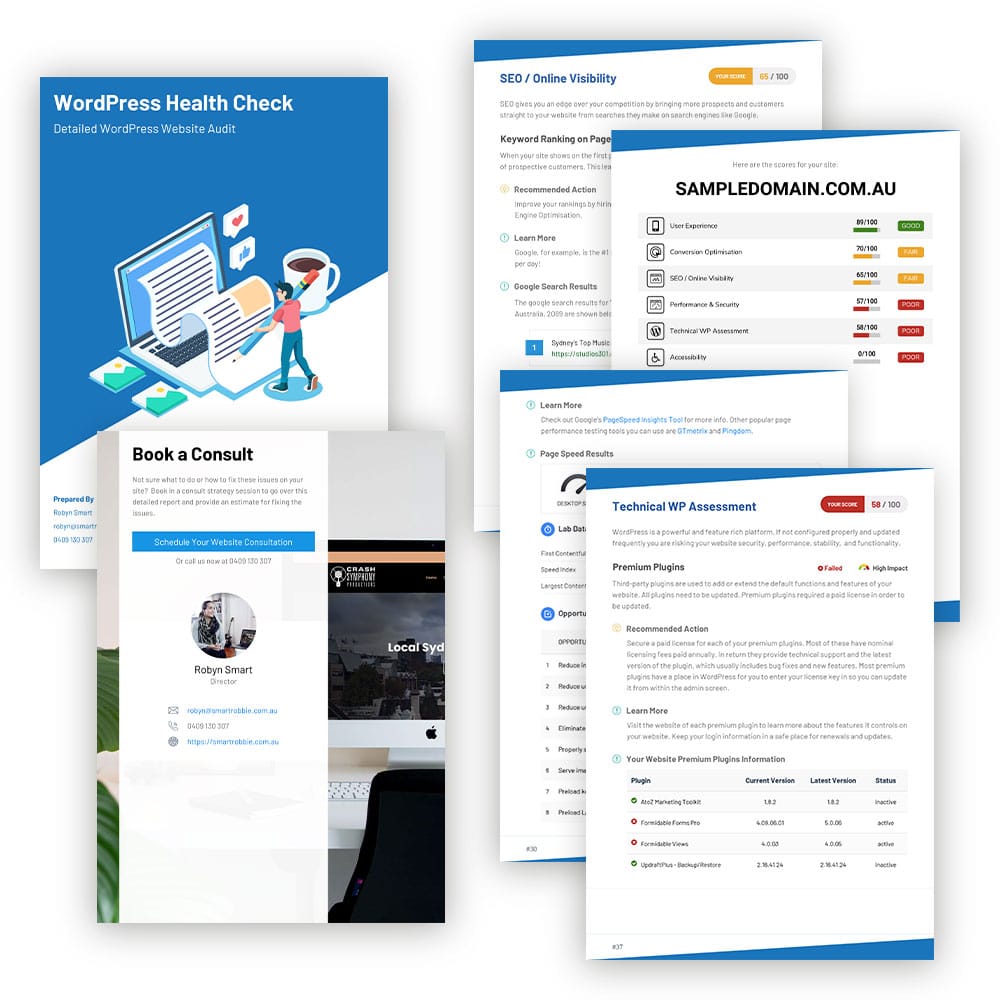
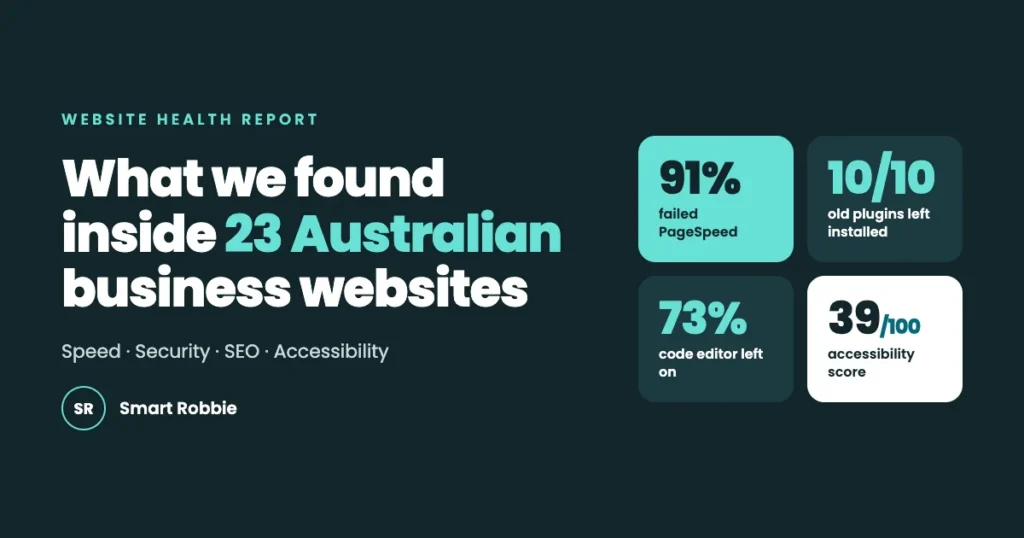
We ran detailed health checks on 23 Australian small-business websites. 91% failed Google’s PageSpeed test, every WordPress site we reviewed from the inside had old plugins and themes left installed, and the average accessibility score was just 39 out of 100. Most of these sites looked fine from the outside. The problems were all behind the scenes.
After looking after WordPress websites for 450+ Australian businesses, I’ve learnt that the sites that cause the most trouble usually don’t look broken. So we went through the detailed health checks and audits we’ve run for Australian businesses, from law firms and trades to cafes, consultants and e-commerce stores, and pulled out the patterns.
Here’s what we found, and what you can do about it.
In this report:
The Headline Numbers
| Finding | Result |
|---|---|
| Failed Google PageSpeed | 91% (20 of 22 sites) |
| WordPress sites with deactivated plugins or themes still installed | 100% (10 of 10) |
| Plugins needing attention (outdated, unused or flagged) | 91% (10 of 11) |
| Theme and plugin code editor left switched on | 73% (8 of 11) |
| A WordPress security or vulnerability issue flagged | 67% (6 of 9) |
| Admin account issues | 64% (7 of 11) |
| Images missing alt text | 77% (17 of 22) |
| Main keyword missing from the H1 heading | 75% (15 of 20) |
| No working Google Analytics or Tag Manager tracking | 27% (6 of 22) |
| No schema (structured data) | 23% (5 of 22) |
| Average accessibility score | 39 / 100 |
Some checks only run on WordPress sites we reviewed from the dashboard, so the number of sites differs per finding.

1. Speed: 9 Out of 10 Sites Are Too Slow

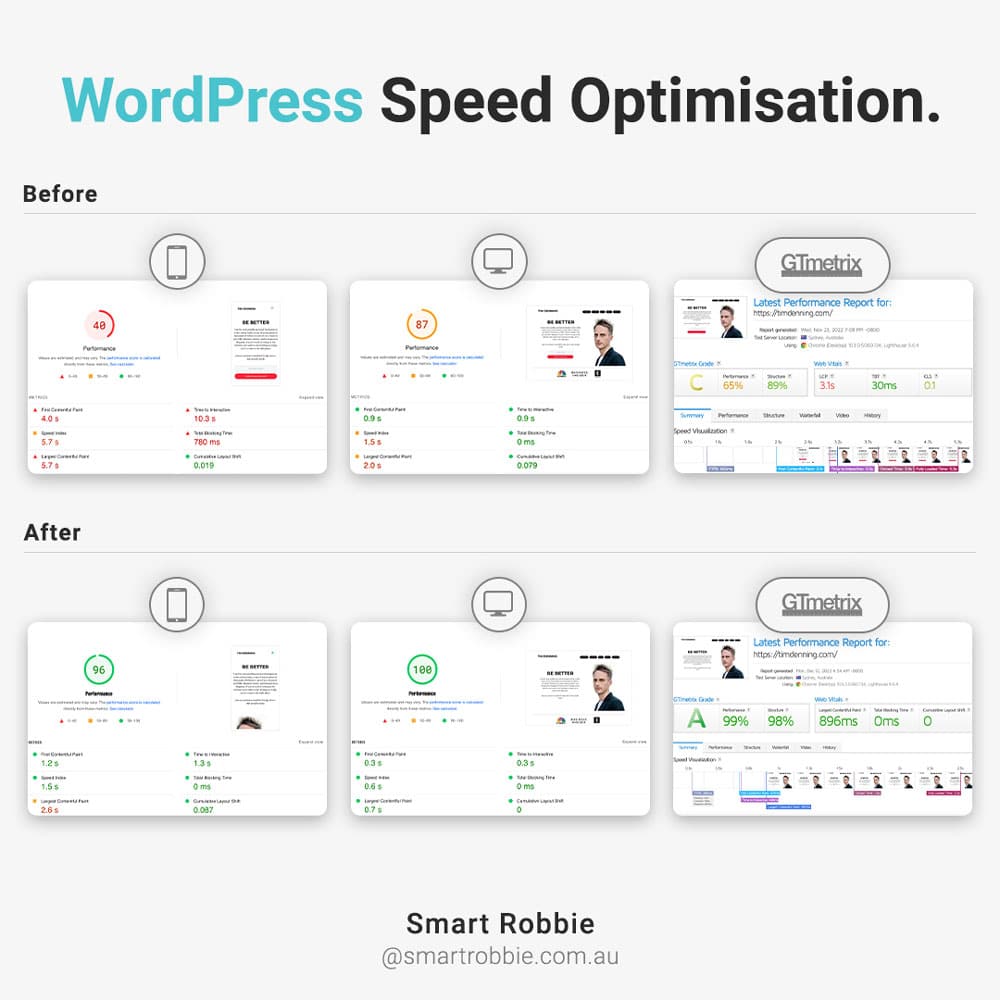
20 of the 22 sites failed Google’s PageSpeed test. Speed isn’t just a nice-to-have: Google uses page experience signals in its rankings, and visitors on a phone won’t wait. The usual culprits were oversized images, too many plugins loading scripts on every page, and no proper caching.
What To Do
Compress your images (WebP format), set up a caching plugin such as WP Rocket properly, and remove plugins you don’t use.
2. Security: Old Plugins Are an Open Door

Every WordPress site we reviewed from the inside had deactivated plugins or themes still installed. Deactivated doesn’t mean safe: the files are still on your server, and if one has a known vulnerability, it can still be exploited. On top of that:
- 73% still had the built-in theme and plugin code editor switched on. If someone gets into your dashboard, they can edit your site’s code directly.
- 67% had a WordPress security or vulnerability issue flagged.
- 64% had admin account issues, such as old users, shared logins or too many administrators.

What To Do
Delete (don’t just deactivate) unused plugins and themes, disable the file editor, review who has admin access, and keep everything updated.
If your site has already been hit, here’s how we fix hacked WordPress sites →
3. SEO Basics Are Being Missed

The on-page fundamentals were often missing:
- 75% didn’t use their main keyword in the H1 heading.
- 75% didn’t include their keyword in the meta description.
- 77% had images with no alt text.
- 23% had no schema markup, the structured data that helps Google, and increasingly AI tools like ChatGPT, understand your business.
- 27% had no working Google Analytics tracking, so they couldn’t tell what was working.
None of these are hard to fix, but together they make it much harder for Google and AI search to understand what you do.
4. Accessibility: The Biggest Gap of All

The average accessibility score was 39 out of 100, and half the sites scored below 50. Accessibility affects the roughly 1 in 5 Australians living with disability, your SEO, and your legal risk. The most common issue was missing image alt text, which screen readers rely on.
What To Do
Add descriptive alt text to every meaningful image, check colour contrast, and make sure forms have labels.
Why This Matters for Small Businesses
None of these sites were “broken”. They loaded, they looked professional, and their owners had no idea anything was wrong. That’s the point. Small issues build up quietly until a hack, a Google drop or a lost enquiry forces the issue, and fixing it then costs far more than preventing it.

How Healthy Is Your Website?
Our WordPress Website Health Check runs the same 40-point review on your site, covering security, updates, backups, speed, SEO and AI search. You get a plain-English report, a video walkthrough and a fixed-price fix list within 3 business days.
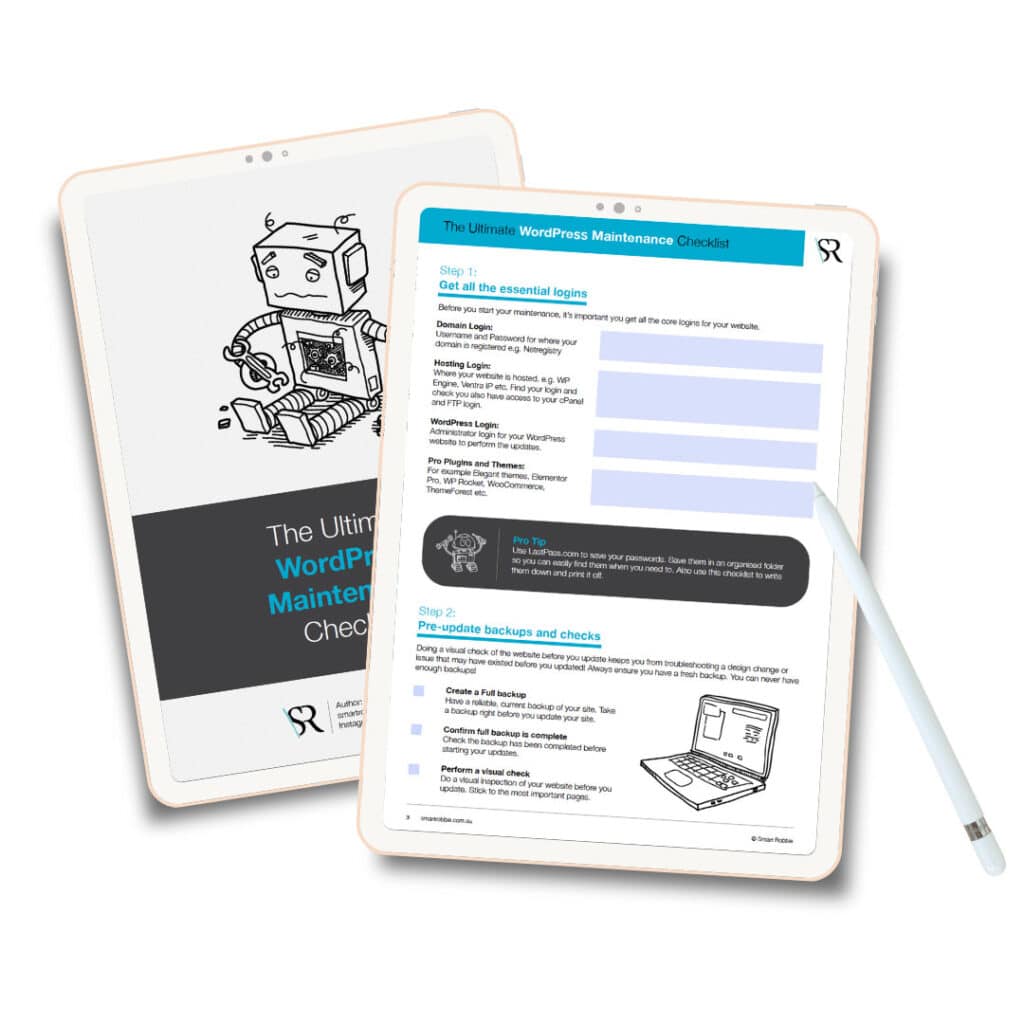
Or keep it healthy every month with a WordPress maintenance plan.
Frequently Asked Questions
How often should I check my website’s health?
At least once a year, and before any redesign, SEO campaign or advertising spend. Sites on a maintenance plan are monitored continuously.
Are deactivated WordPress plugins a security risk?
Yes. Deactivated plugins still sit on your server, and if they contain a known vulnerability they can still be exploited. Delete plugins you don’t use.
What’s a good Google PageSpeed score?
Aim for 90+ on desktop and at least 50–70 on mobile for a typical small-business WordPress site, with Core Web Vitals passing.
How was this data collected?
The findings come from detailed website health checks and audits Smart Robbie has carried out for Australian businesses, combining automated scans with reviews of the WordPress dashboard. Personal and business details have been removed, and our own and test websites were excluded.
Good websites don’t just look great. They’re built the smarter way.
— Robyn Smart
Founder, Smart Robbie